For iPhone
Turn a walk, a weekend or a trip into a map you keep.
Pick the photos from one stretch of life. mapped days finds where you went, draws the route and lays it out as a finished piece — then files it into a personal atlas that grows with every memory.
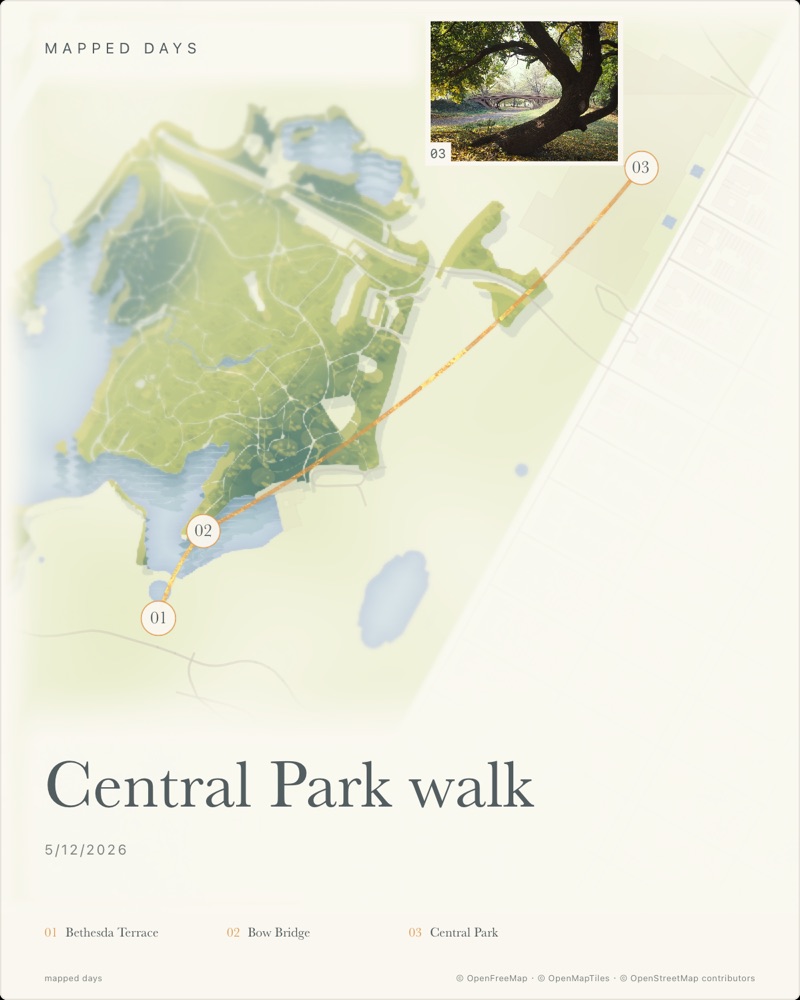

- An evening walk
- A weekend away
- Two weeks abroad
- The day you moved
How it works
A few minutes, once it's over.
No tracking while you're out, no check-ins. Live the day, then put it somewhere good.
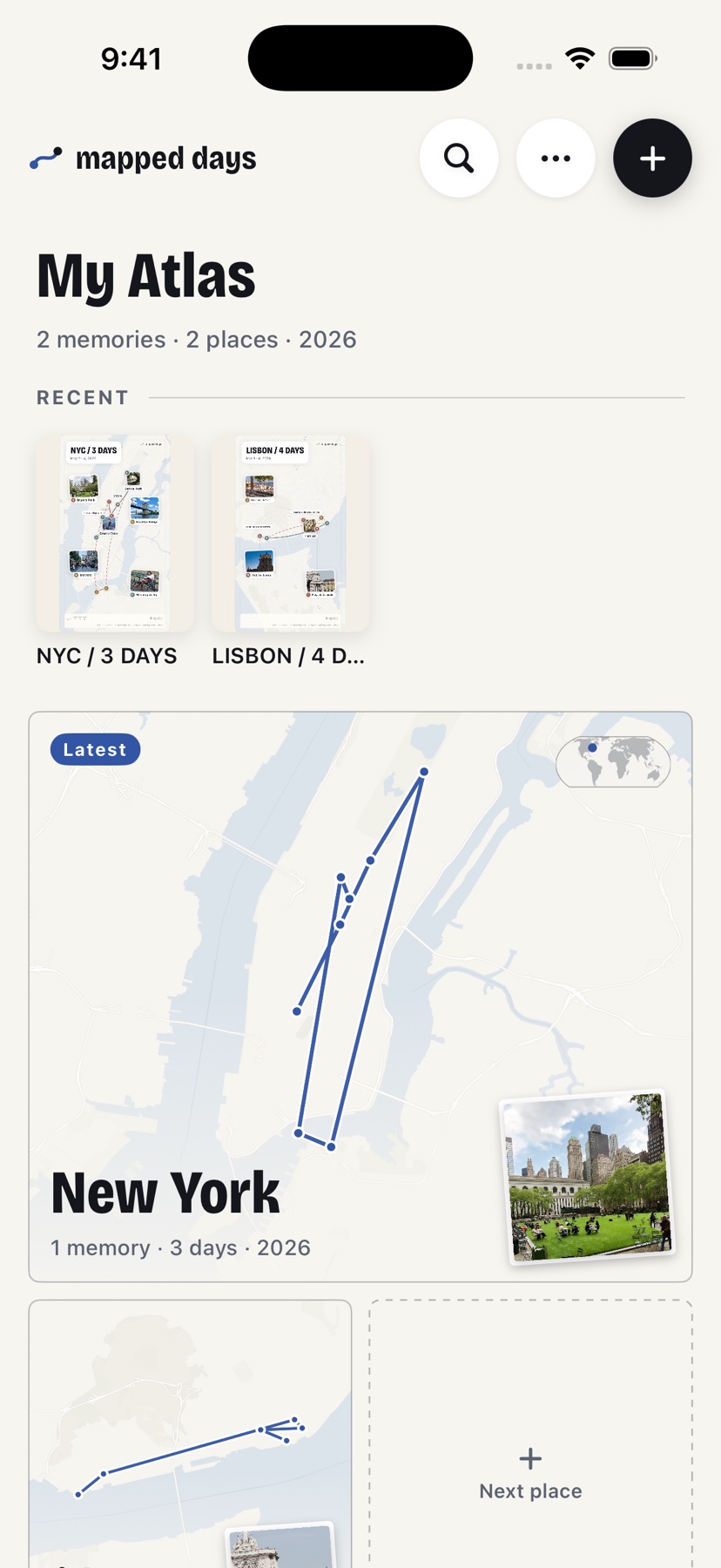
Choose the photos
Select one walk, weekend or trip from your library. The time and place already inside your photos are all it needs.
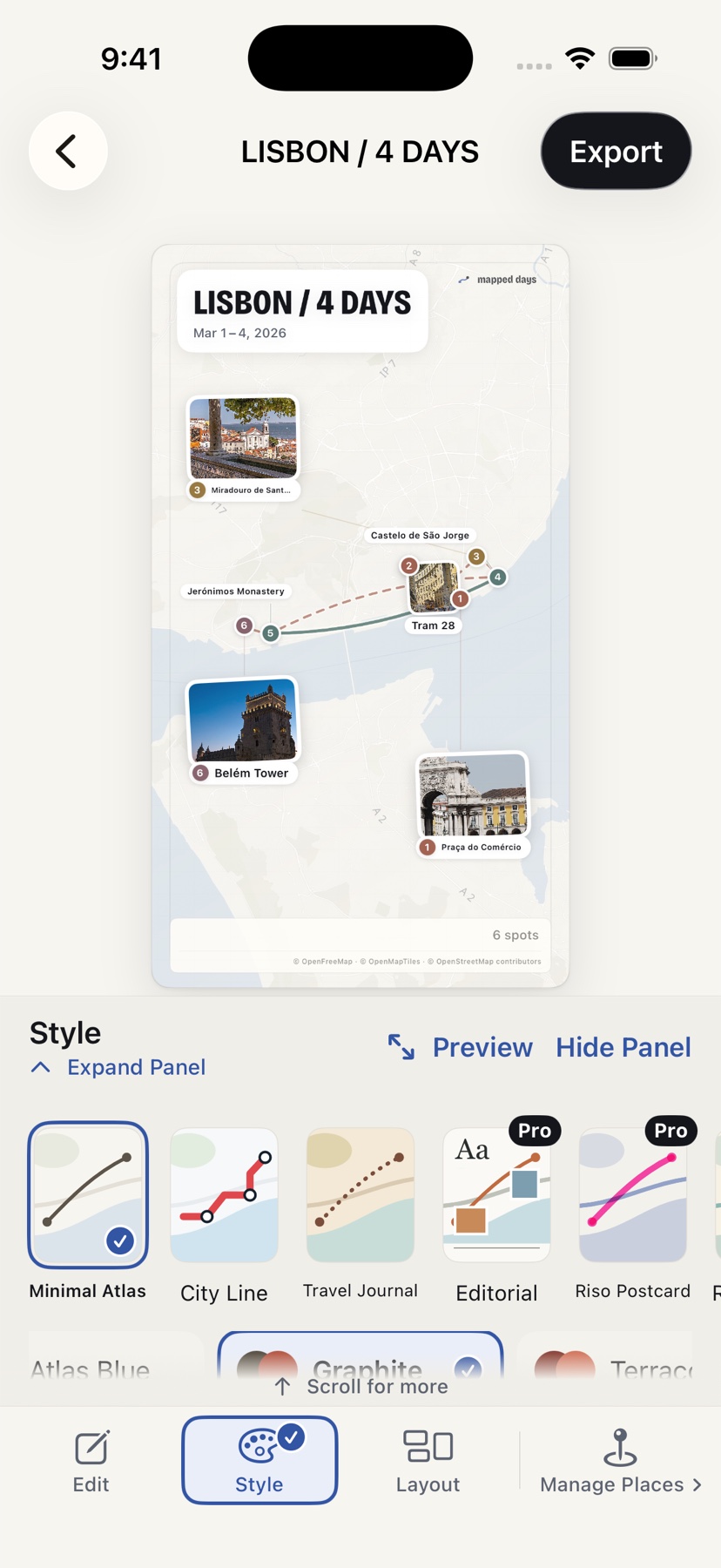
Get a finished piece
Stops are grouped, the route is drawn on a real map, and photos are laid out for you. Change the style, title, cover or places in a tap.
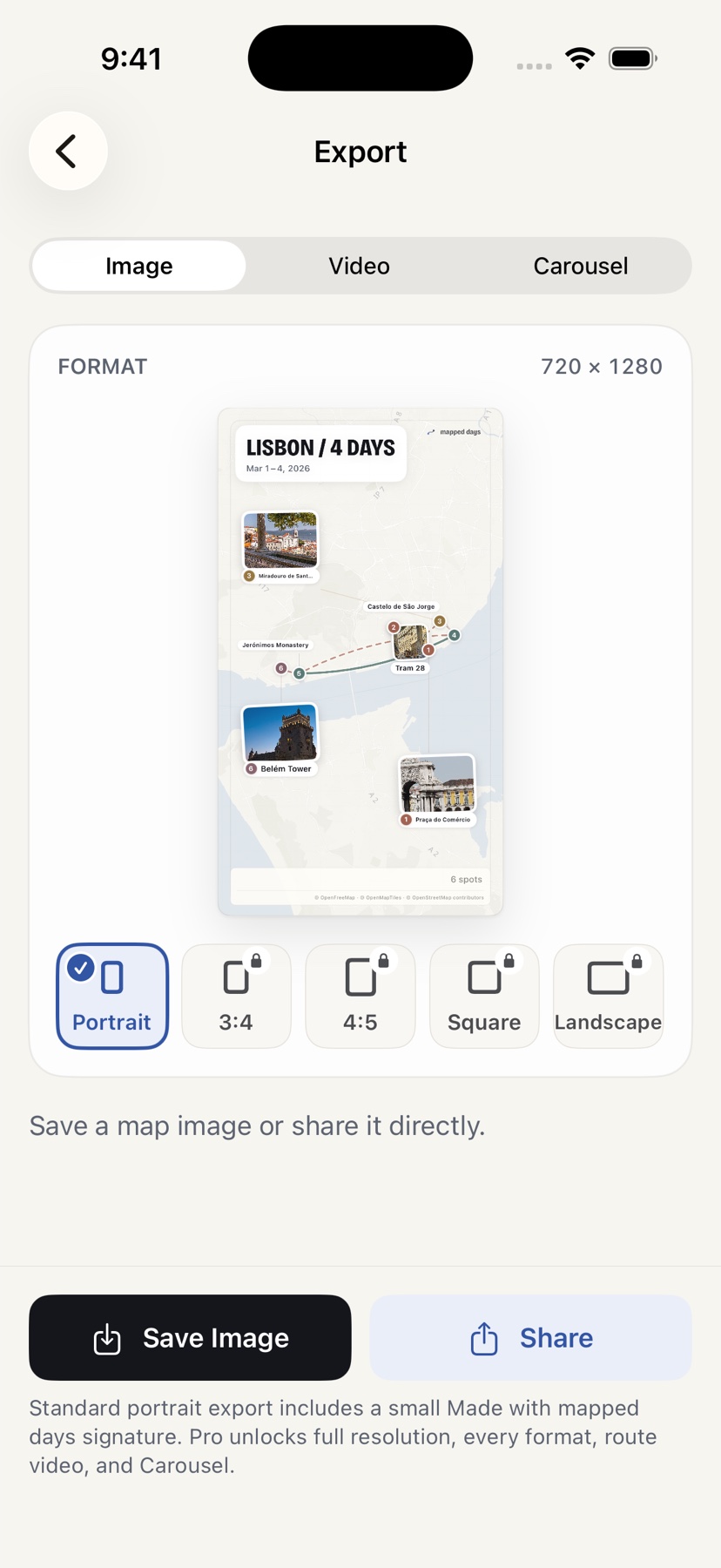
Keep it, or share it
It lands in your atlas automatically. Save it as an image, a swipeable carousel or a short route video when you want to send it.
Styles
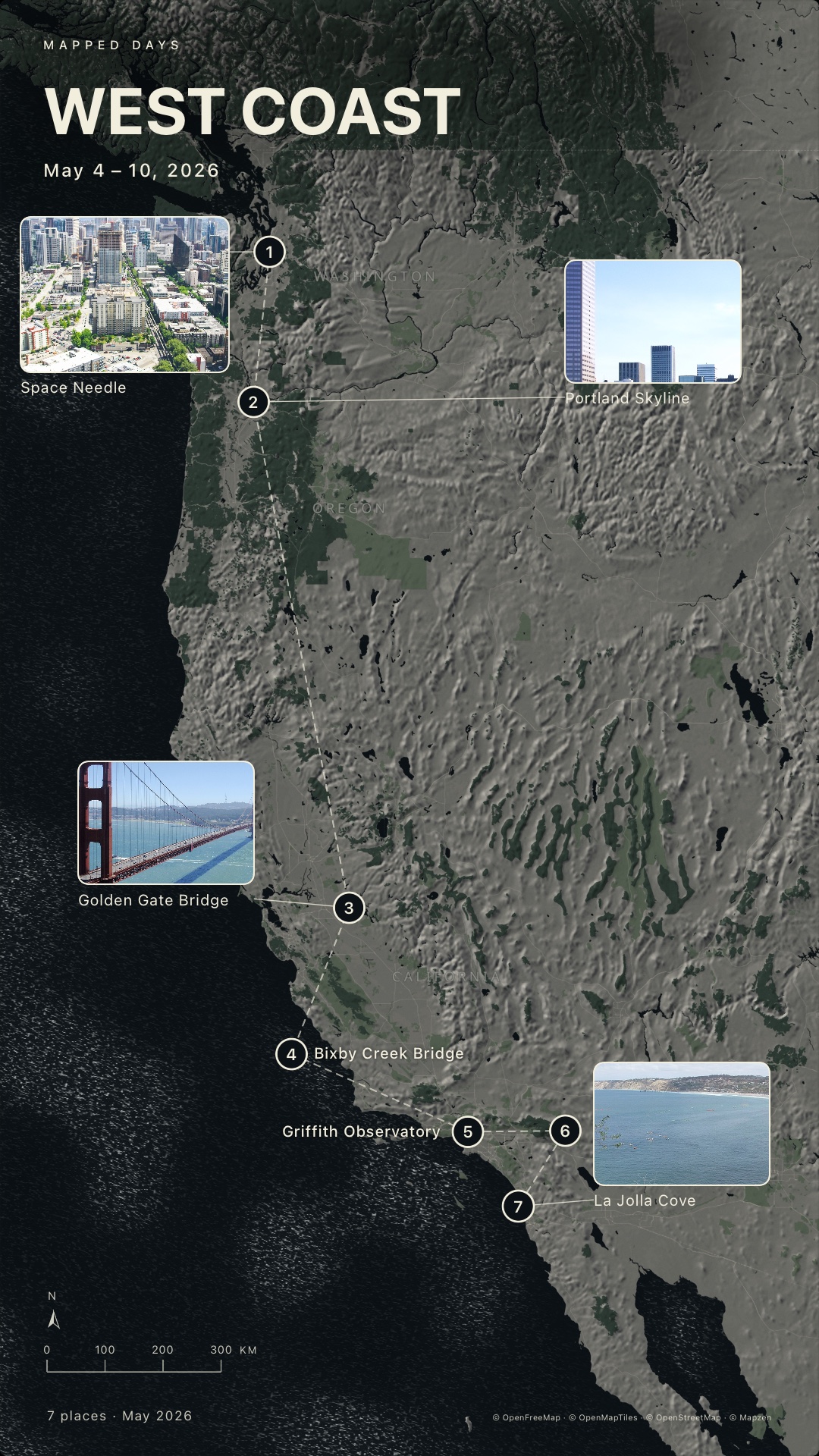
Real maps, drawn like something you'd frame.
Every style is rendered from real map data around your own route — water, parks, streets and coastlines — not a stock illustration.
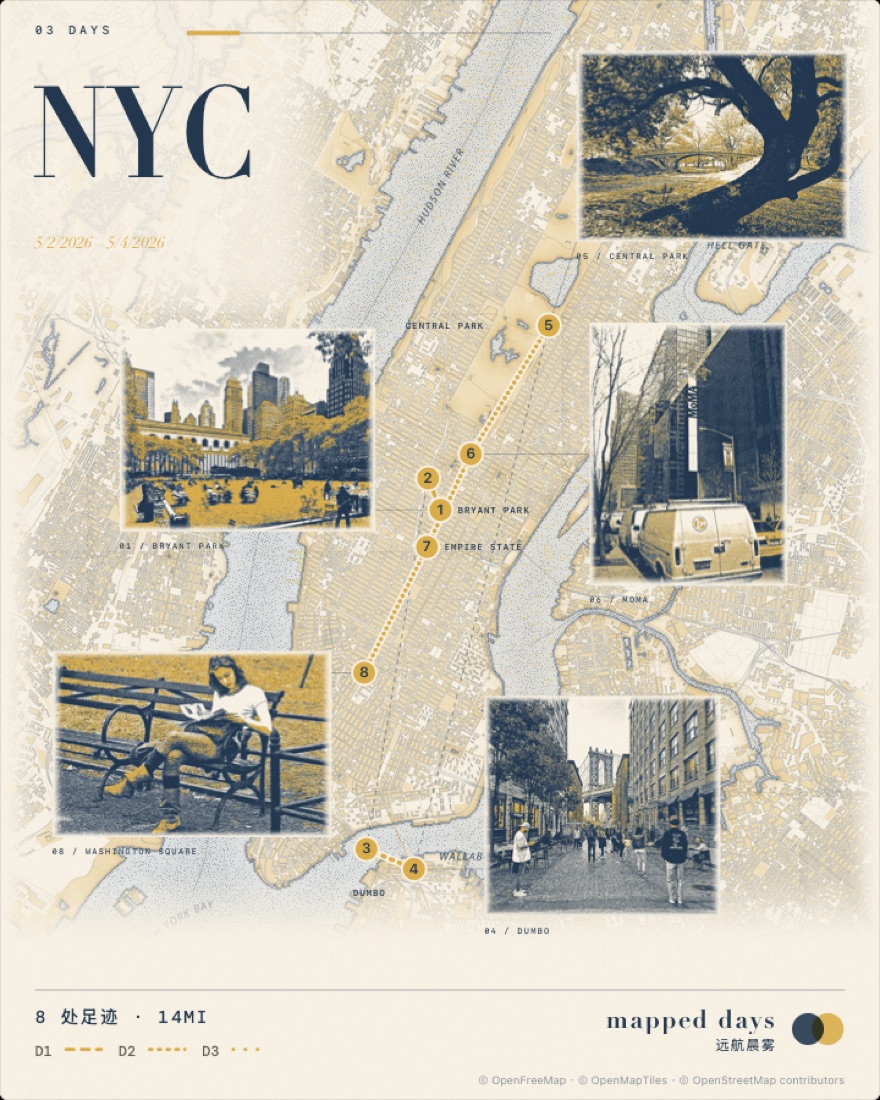
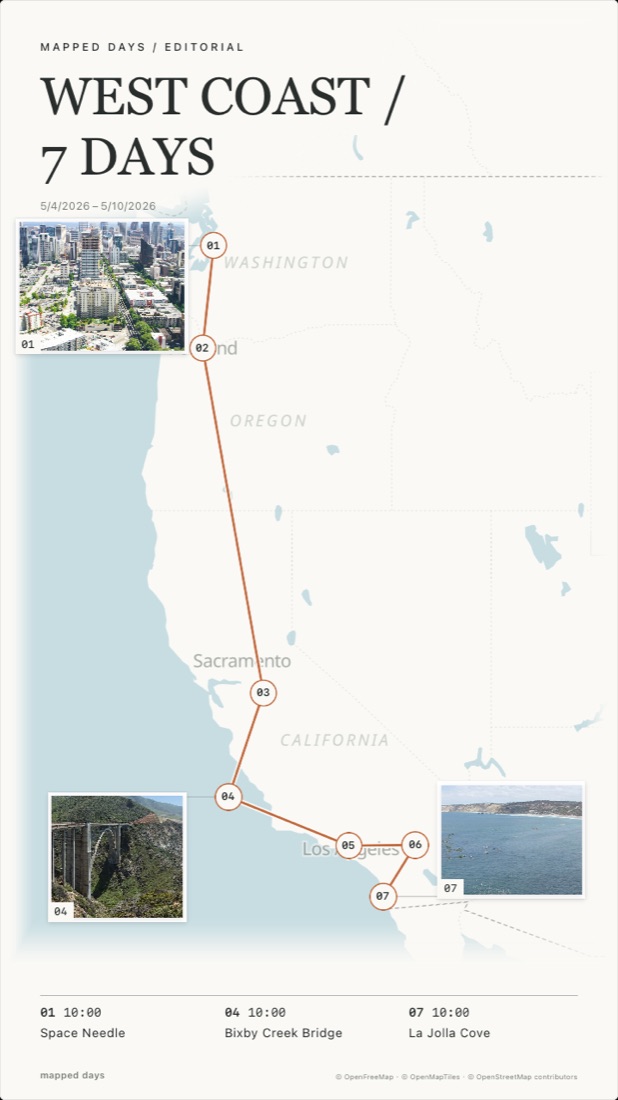
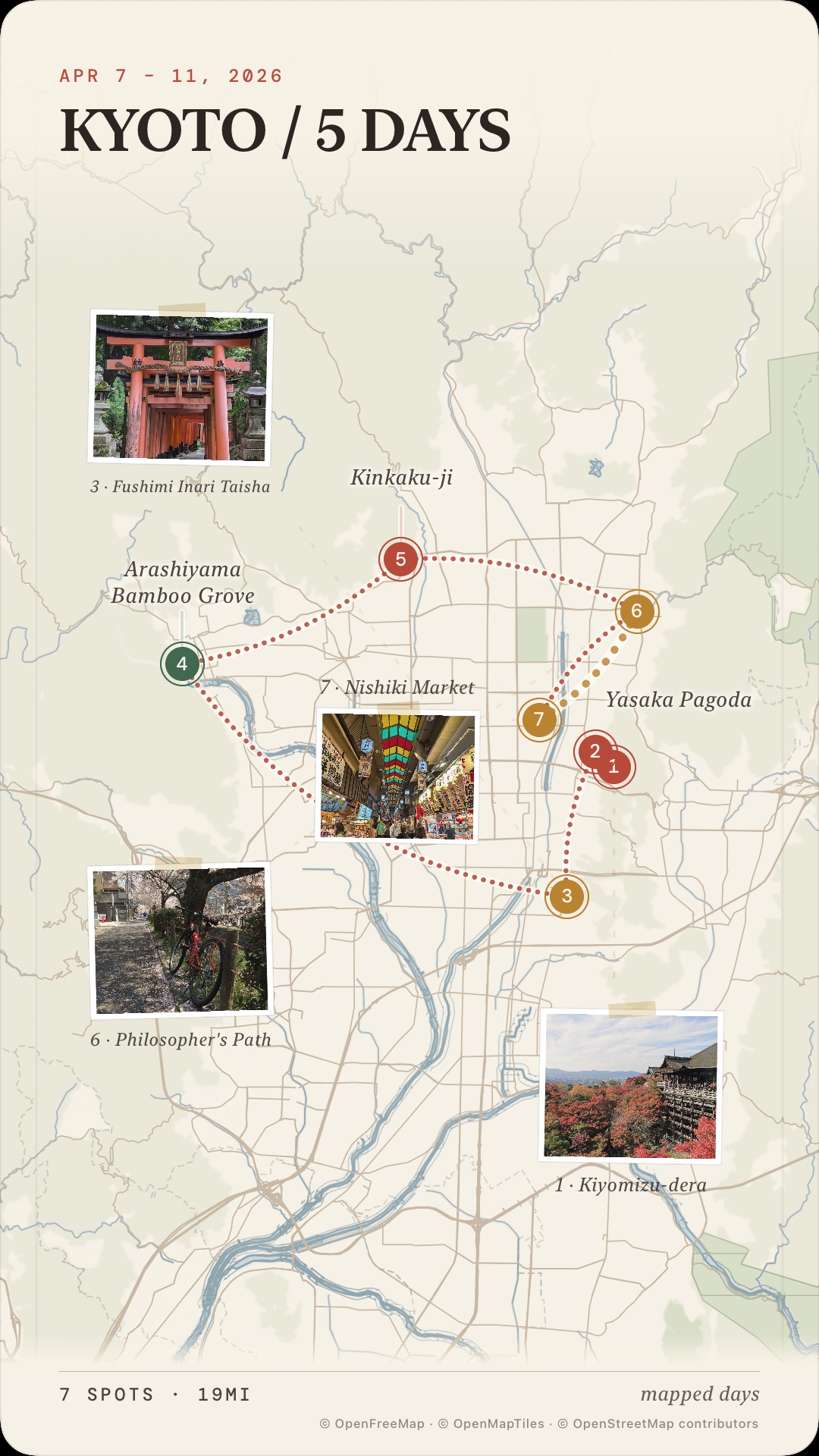
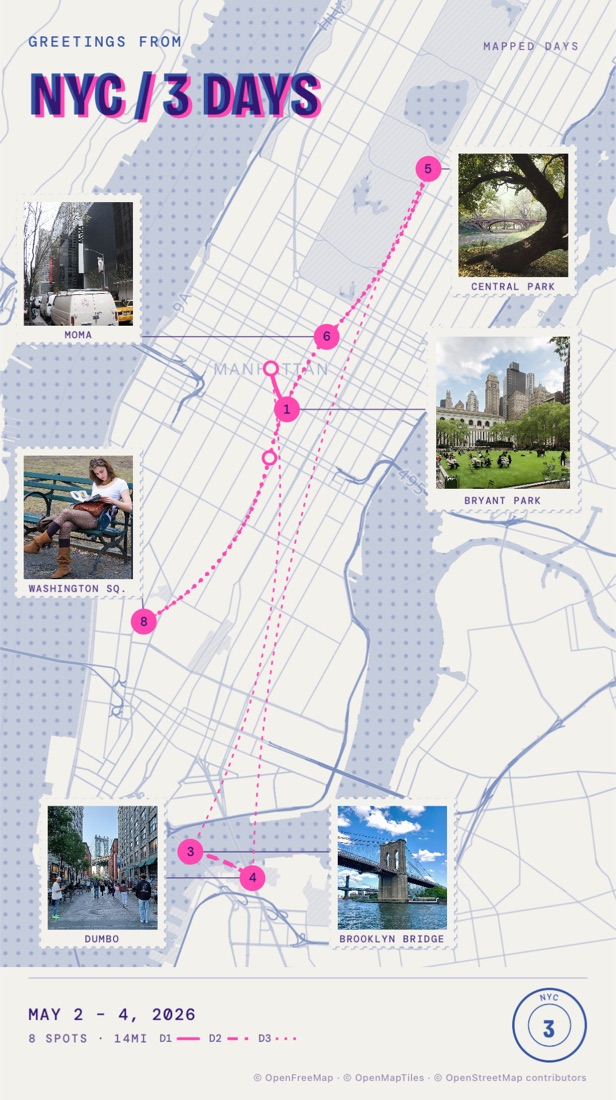
Your atlas
Every memory finds its place.
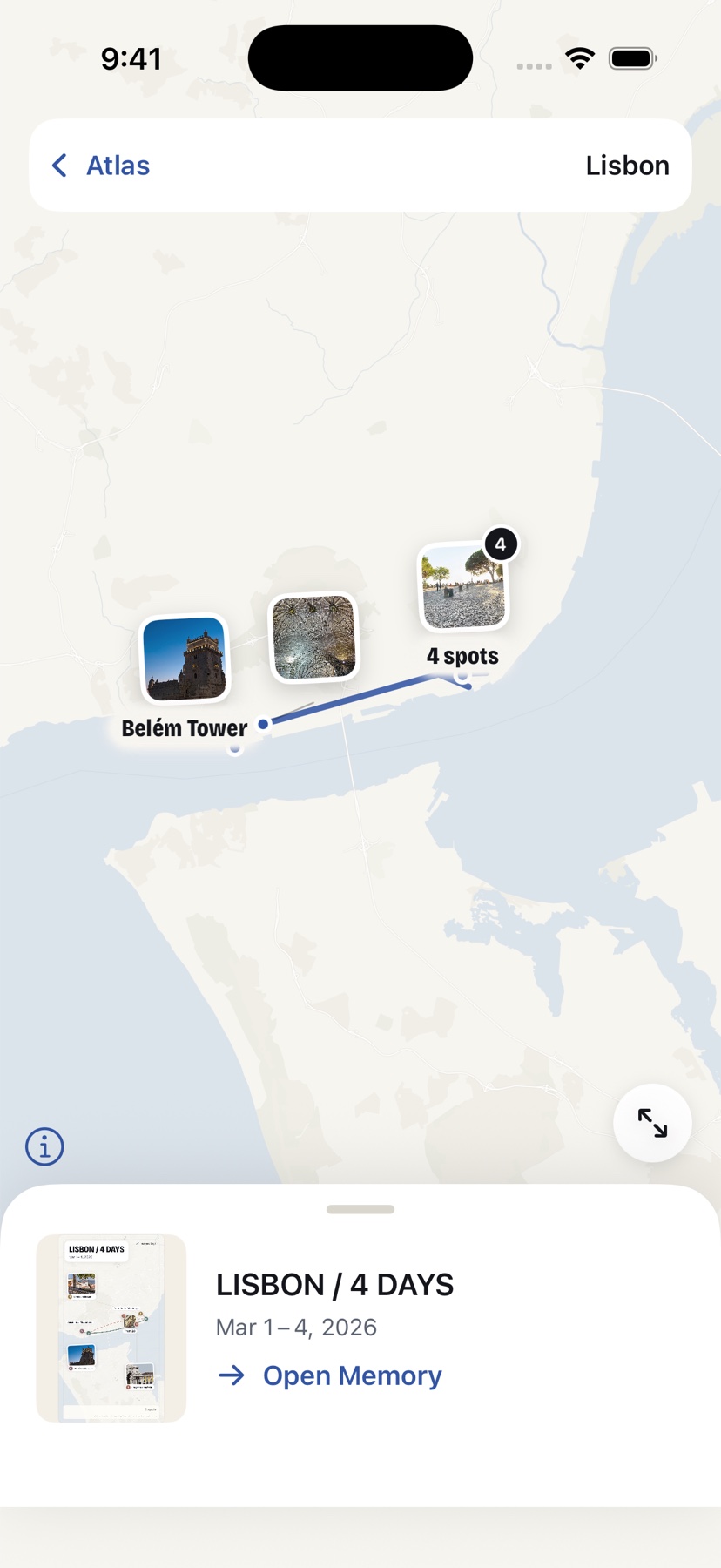
One memory is a keepsake. Twenty become a map of your life. mapped days gathers them by place, so going back somewhere adds a new chapter instead of another lost album.
- A sheet for every placeYour home city, each trip abroad, every road trip — each drawn at its own scale with the routes you actually took.
- Zoom from world to streetOpen a sheet and move from countries to neighbourhoods to a single afternoon's stops.
- Find anything laterSearch by place or name, browse recent work, or look back year by year.
Private by design
Your photos never leave your phone.
No account
Nothing to sign up for. Open the app and start.
No uploads
Photos, routes and memories are stored only on your iPhone. There is no mapped days server holding them.
No AI cloud
Grouping places and laying out pages happens on device.
No feed
No followers, likes or streaks. You decide what, if anything, gets shared.
Maps are drawn from public map tiles, which means the area you're viewing is requested from the map provider. Read the privacy policy.
Pricing
Start free. Upgrade when it's become a habit.
3 memories
Yours to keep, forever.
- Minimal Atlas, City Lines and Travel Journal styles
- Try every other style while you edit
- Your personal atlas
- Portrait image export with a small mapped days signature
Unlimited
For everything that comes next.
- Unlimited memories
- Export in every style
- Full-resolution export without branding
- Square, 4:5, 3:4 and landscape formats
- Carousel and animated route video
Questions
Do I need to turn on location tracking?
No. mapped days reads the time and location already saved with your photos. Nothing runs in the background while you're out.
What if some photos have no location?
You can still make the memory. Places can be renamed, split, merged or moved by hand whenever the photos don't say enough.
Is it only for travel?
Not at all. Evening walks, a day at the beach or a Sunday across town are the most common memories people make.
Which devices are supported?
iPhone on iOS 17 or later. The app is available in English and Simplified Chinese.
What happens to my memories if I stop paying?
Everything you made stays in your atlas and stays viewable. Pro only changes how many new memories you can make and which export options you have.